Sidebar
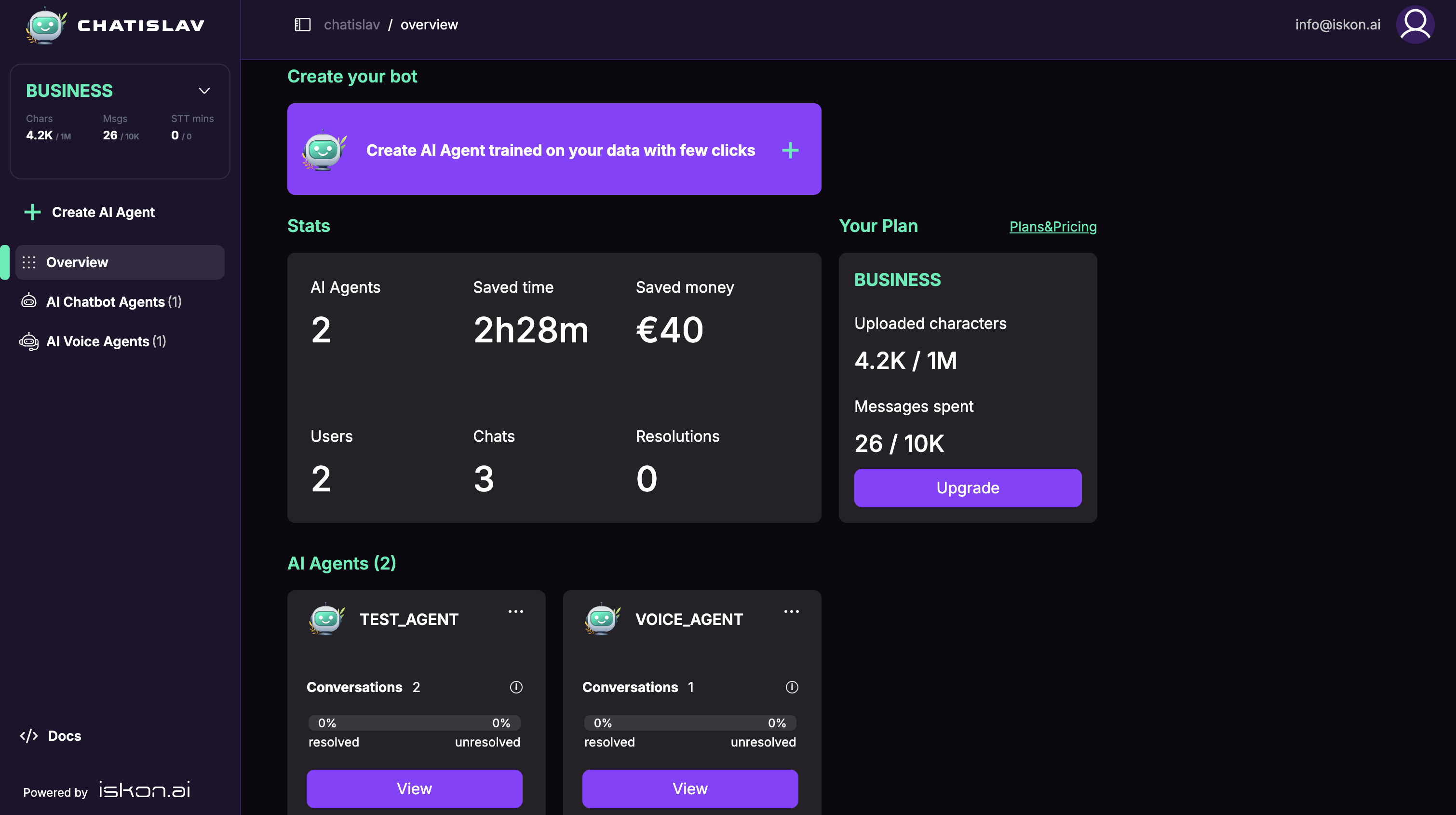
The Chatislav sidebar is the main navigation area for creating agents, opening the overview dashboard, switching between chatbot and voice agents, and managing the selected agent.
Plan and Usage
The plan card at the top of the sidebar shows the current subscription and resource usage.
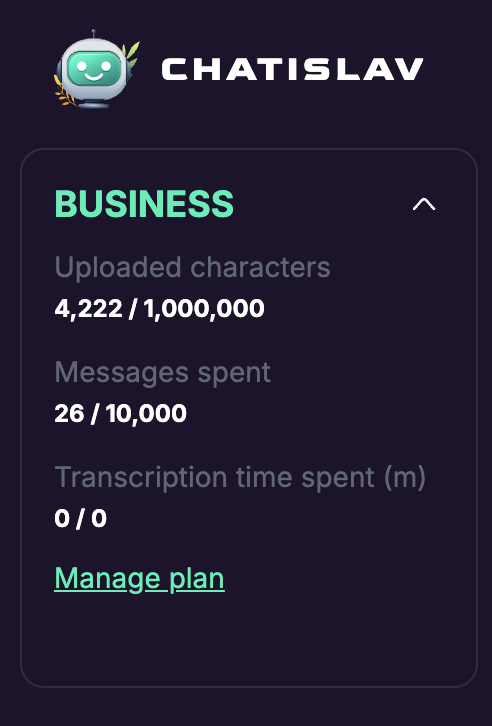
The expanded card shows:
- Current plan, such as Free, Basic, Standard, Pro, Business, or Enterprise.
- Uploaded characters used against the plan limit.
- Messages spent against the monthly message credit limit.
- Transcription time spent.
- Manage plan, which opens plan, add-on, and billing options.
Main Navigation
The main sidebar links let you create agents and move between the account overview and agent lists.
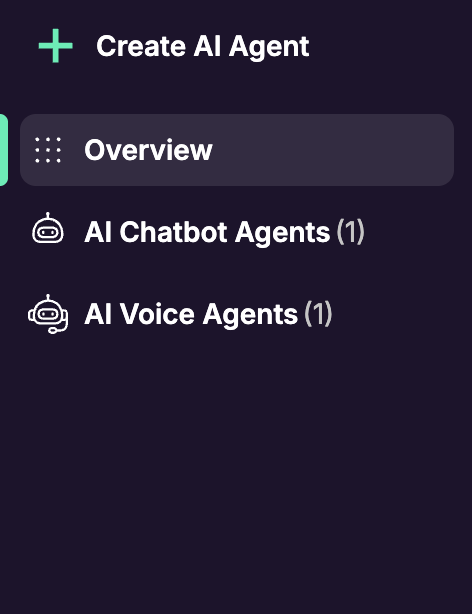
Main items include:
- Create AI Agent: starts the agent creation flow.
- Overview: opens the account dashboard with stats, plan usage, and agent cards.
- AI Chatbot Agents: lists text chat agents.
- AI Voice Agents: lists voice agents.
Counters next to agent groups show how many agents exist in each group.
The active page is highlighted in the sidebar so you can see where you are.
Agent Navigation
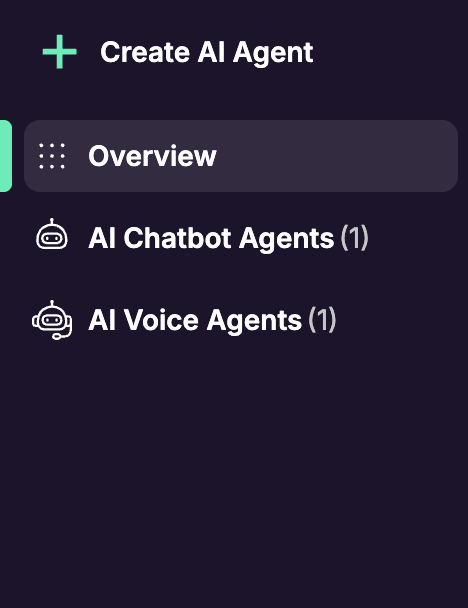
Open an agent group to reveal individual agents. Selecting a specific chatbot agent expands the agent menu.
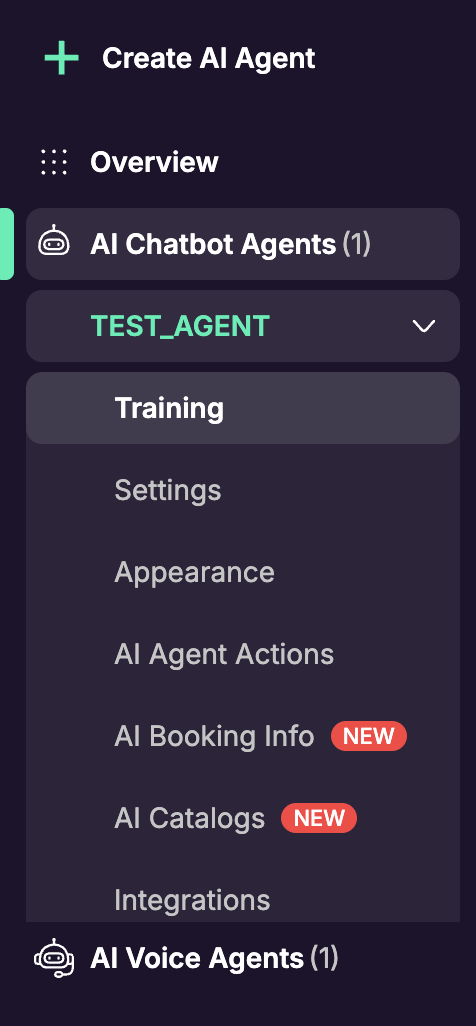
A chatbot agent menu can include, in order:
- Training: add and manage knowledge sources.
- Settings: configure behavior, model, lead capture, and agent options.
- Appearance: customize widget branding and visual style.
- AI Agent Actions: add tools and actions the agent can run.
- AI Booking Info: manage booking data when the feature is available.
- AI Catalogs: manage catalog search data when the feature is available.
- Integrations: connect supported messaging and channel integrations.
- Custom Domains: connect custom domains for hosted agent surfaces.
- Webhooks: send supported events to external systems.
- Deploy: copy the agent token, JavaScript snippet, or other embed options.
- Chats: review conversations for the selected agent.
- Analytics: track agent usage, conversations, credits, and performance.
- Evaluations: run tests and review evaluation results.
- Snapshots & Releases: save snapshots, review releases, and restore versions.
The screenshot shows the visible top part of the expanded menu. If the sidebar is shorter than the full menu, scroll inside the expanded agent section to reach the lower items.
Voice Agent Navigation
Voice agents appear in a separate AI Voice Agents group and have their own voice-specific settings and deployment options.
Voice agent menus include:
- Training
- Settings
- Appearance
- AI Agent Actions
- AI Catalogs
- Integrations
- Custom Domains
- Webhooks
- Deploy
- Chats
- Analytics
- Evaluations
- Snapshots & Releases